
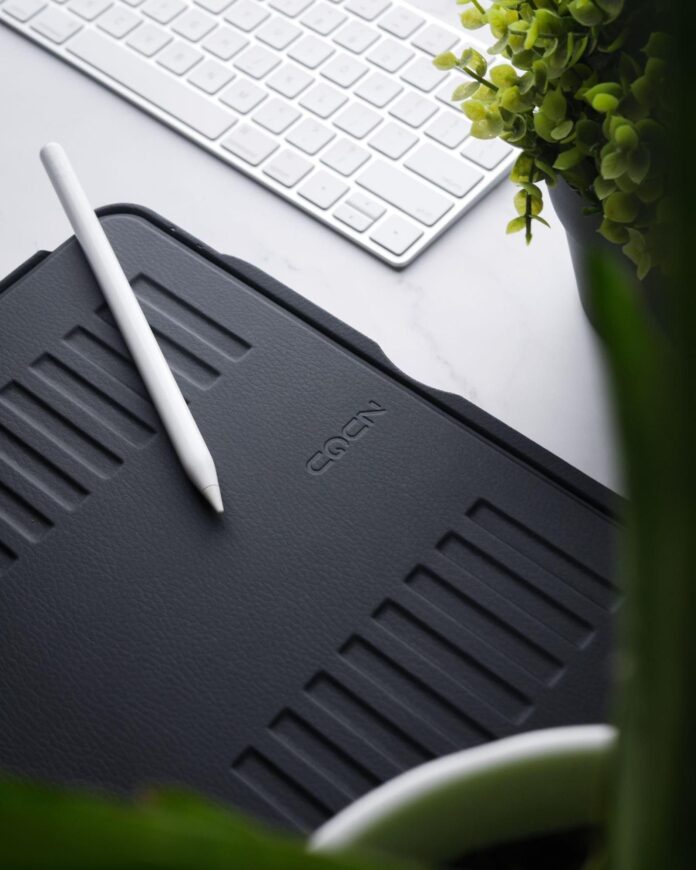
Scroll through any “iPad setup” video or workspace tour, and you’ll notice a pattern.
- A keyboard case.
- A stand.
- A sleeve.
- A magnetic mount.
- A desk clamp.
- A travel case.
- Maybe even a second stand for “different angles.”
What started as a sleek, minimal device quickly turns into something else entirely: an accessory stack.
And while each piece promises to improve your workflow, the reality often looks very different — more clutter, more cost, and more friction than you expected.
So here’s the real question:
Do you actually need all those iPad accessories?
Table of Contents
The Accessory Trap: How It Happens

The iPad is designed to be versatile. That’s part of its appeal. It can be:
- A laptop replacement
- A sketchpad
- A second screen
- A media device
- A note-taking tool.
But that flexibility creates a problem.
Instead of one setup that adapts to you, you end up buying different accessories for each use case:
- A stand for desk work
- A different angle for drawing
- A case for protection
- A mount for watching content
- A keyboard for typing.
Individually, each purchase makes sense.
Collectively, they create a system that’s:
- Overcomplicated
- Expensive
- Hard to move or reconfigure.
The result? The very device designed for simplicity becomes… anything but simple.
When More Gear Makes You Less Productive
There’s a point where adding more tools stops helping and starts getting in the way.
Every extra accessory introduces:
- Setup time
- Decision fatigue (“Which setup do I use?”)
- Physical clutter
- Friction when switching tasks.
Let’s say you want to go from writing to watching a tutorial to sketching an idea.
In a perfect world, that transition is instant.
In an accessory-heavy setup, it might involve:
- Removing your iPad from one stand
- Repositioning it on another
- Adjusting angles
- Reconnecting accessories.
It doesn’t sound like much, but over time, these small interruptions add up. They break your flow.
And productivity is all about protecting your flow.
The Minimalist Shift: Doing More With Less

There’s a growing shift in how people approach their tech setups.
Instead of asking: “What else do I need to buy?” People are starting to ask: “What can I remove?”
This is especially true for iPad users. Why? Because the iPad already does so much. The real challenge isn’t capability — it’s how you physically use it.
The most efficient setups tend to share a few key traits:
- Fewer components
- Faster transitions between tasks
- Less reliance on fixed environments
- More adaptability.
In other words, less gear, better design.
The One Thing Most People Get Wrong
When people think about improving their iPad setup, they usually focus on features:
- Better keyboard
- More apps
- More accessories.
But they overlook something far more important: Positioning.
How your iPad is positioned determines:
- How comfortable it is to use
- How quickly you can switch tasks
- Whether it feels like a tool — or a hassle.
If your setup relies on swapping between different stands or mounts just to get the right angle, that’s a sign that something isn’t working.
The best setups don’t require constant adjustment.
They adapt instantly.
Rethinking the ‘All-in-One’ Approach
Instead of stacking accessories, there’s a smarter approach:
Use fewer, better-designed tools that handle multiple roles.
This is where your case becomes far more important than most people realize. A well-designed case isn’t just about protection. It’s about enabling your entire workflow.
Think about what you actually need throughout the day:
- Upright positioning for productivity
- Lower angles for writing or drawing
- Stable support for tapping and interaction
- Flexibility to switch environments (desk, lap, sofa, travel).
If one piece of gear can handle all of that, you eliminate the need for:
- Separate stands
- Extra mounts
- Redundant accessories.
That’s not just cleaner; it’s more efficient.
Simplifying Your Setup in Practice
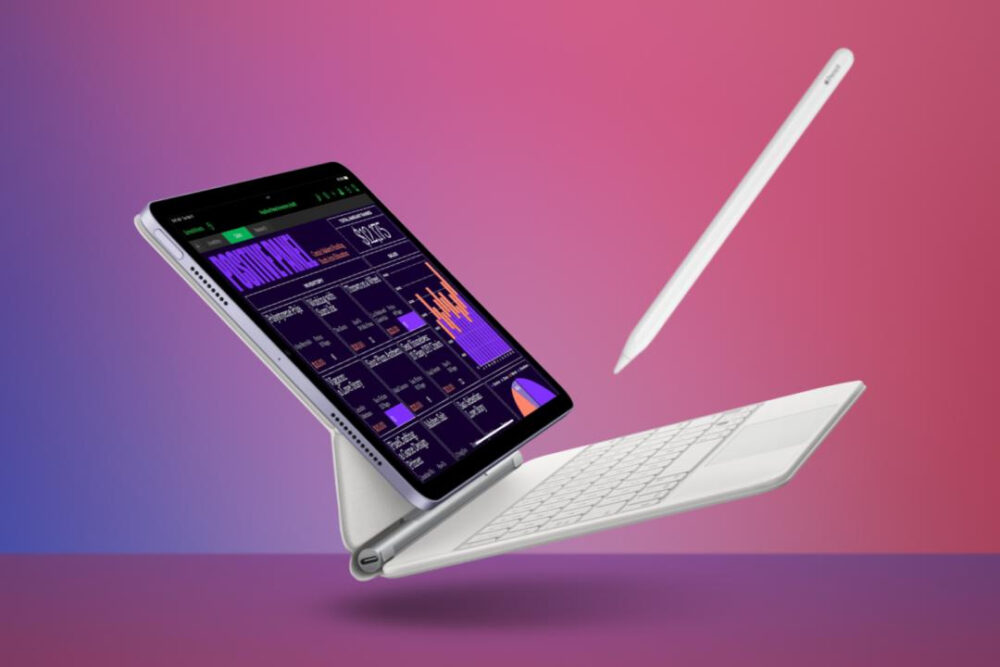
Let’s break this down into a real-world scenario.
The “Stacked” Setup
- iPad
- Protective case
- Separate stand
- Additional drawing angle solution
- Travel sleeve
- Desk mount.
Switching tasks means switching tools.
The Simplified Setup
- iPad
- One high-quality, multi-angle case.
That’s it.
Same functionality. Less friction. More flexibility.
Why Stability Changes Everything
There’s another factor that often gets overlooked: stability.
If your iPad shifts, wobbles, or collapses under pressure, it limits how you use it.
You hesitate to:
- Tap quickly
- Draw confidently
- Interact naturally.
That hesitation slows you down.
A stable setup, on the other hand, makes your iPad feel like a fixed tool—even though it’s portable.
This is where premium design makes a real difference.
A Smarter Alternative to Accessory Overload
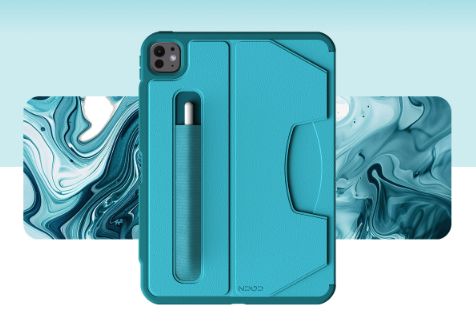
Rather than building a stack of accessories, many users are moving toward a single, versatile solution.
For example, a case like the ZUGU iPad Pro 13 Case is designed to replace multiple pieces of gear at once.
Instead of relying on separate stands or mounts, it offers:
- Multiple stable viewing angles
- Strong, secure positioning for interaction
- Easy transitions between tasks
- A compact, travel-friendly form.
This kind of setup allows your iPad to move seamlessly between:
- Work mode
- Creative mode
- Entertainment mode.
…without needing to rebuild your setup each time.
If you’re using a device like the iPad Pro 13 (2024), simplifying your accessory stack isn’t about losing functionality — it’s about unlocking it more efficiently.
The Hidden Cost of Too Many Accessories
Beyond clutter and complexity, another factor worth considering is cost. Individually, accessories might seem reasonable.
But combined?
- Stand: £30–£100
- Mount: £20–£80
- Sleeve: £20–£50
- Additional gear: it adds up quickly.
Before long, you’ve spent as much on accessories as you did on the device itself. And ironically, you may still not have a setup that feels seamless. A simplified approach often delivers better results for less.
The Future of iPad Setups
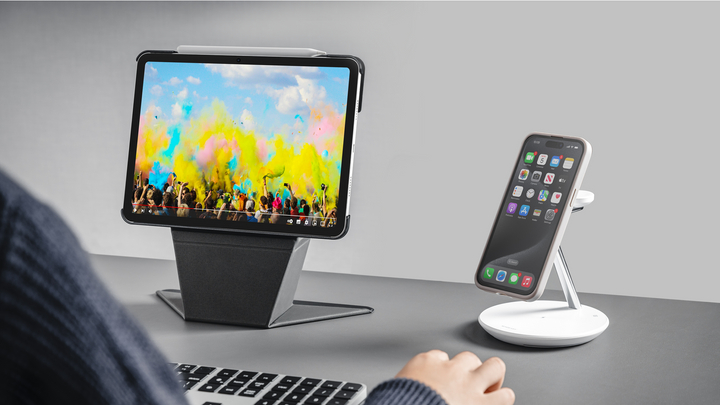
As iPads become more powerful, the way people use them is changing.
The trend isn’t toward:
- More accessories
- Bigger setups
- More complexity.
It’s moving toward:
- Flexibility
- Portability
- Simplicity.
People want setups that adapt instantly, not ones that require constant adjustment. The accessory stack doesn’t fit that future.
Final Thoughts
The iPad was never meant to be surrounded by layers of gear. Its strength lies in its versatility, and the best setups enhance that, rather than complicate it.
If your current setup feels cluttered, slow, or overbuilt, it might not be a matter of needing more. It might be a matter of needing less. Because in many cases, the most productive setup isn’t the one with the most accessories. It’s the one that gets out of your way.